
Your workbench is only as good as your organisation. The 3D Maker’s Bench isn’t just an app — it’s the missing piece between your filament spools and your print queue. This guide walks you through getting started, setting up your inventory, and using the Gap Method to stay ahead of material shortages.
3D Maker’s Bench is an iOS app designed specifically for 3D printing workflows. It brings simple filament inventory management to your workbench, replacing the post-it notes and spreadsheets that most makers rely on. Built around a sophisticated ‘Gap Method’ calculator, it lets you estimate remaining filament length with high precision — no more guessing how much PLA or PETG is left in a half-used spool.
Grab 3D Maker’s Bench for free. It’s free to download from the App Store and free to use — it keeps your filament inventory right on your workbench, no account and no cost to get started. Download 3D Maker’s Bench Pro on the App Store.








Gear I actually use — Bambu Lab P2S + AMS 2. If you're after a printer that's plug-and-play and genuinely just works, this is it: it's always ready to print, multi-colour runs are a breeze, and it handles TPU without fuss. If you're just starting out, that's the one I'd point you to — grab a Bambu Lab here.
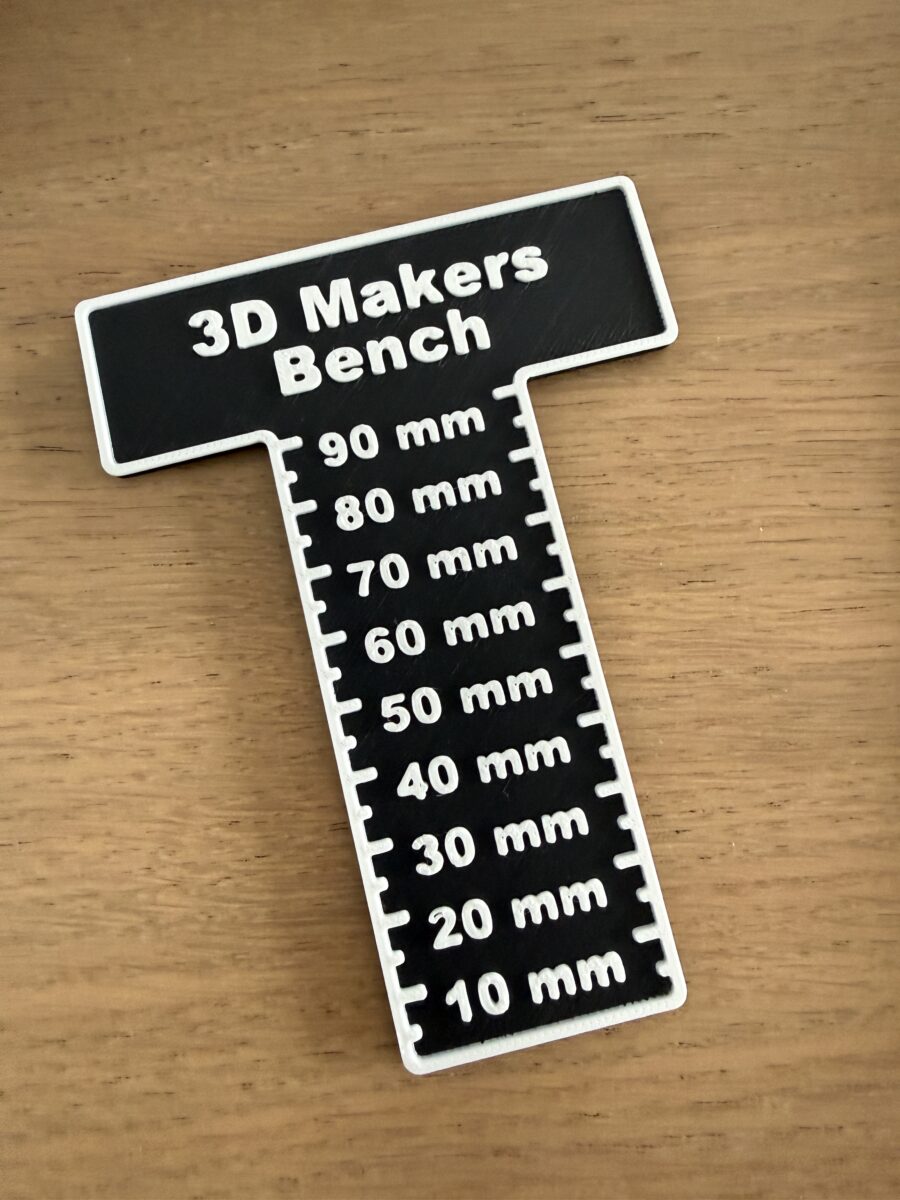
Free STL download for a physical filament spool measuring ruler. Manual entry only, no auto-sync.